What Happens If a Fingerprint Door Fails? Power Cuts, Backup Access & Emergency Entry Explained
One of the first questions homeowners ask before buying a biometric entrance door is completely understandable:
“What happens if the system stops working?”
It’s a fair concern. Traditional keys may feel old fashioned, but they are familiar. Smart locks, fingerprint scanners, and motorised systems can sound complicated if you have never used them before.
If you are new to biometric entrance technology, start with our fingerprint aluminium door beginner guide
The good news is that modern biometric entrance doors are specifically designed with backup systems, emergency access methods, and fail safe protections built in from the start.
In reality, a quality fingerprint door is not relying on a single piece of technology. It uses multiple layers of access control to make sure homeowners can still enter their property safely during power cuts, technical issues, or unexpected situations.
Here’s how modern systems actually handle emergencies and why most fears around smart door failures are far less dramatic than people imagine.
Understanding How Fingerprint Door Systems Work
Before discussing failures, it helps to understand how these systems normally operate.
A modern fingerprint entrance door typically combines:
- A biometric fingerprint reader
- A motorised multi point lock
- A control module
- Backup power systems
- Alternative access methods
- Smartphone connectivity
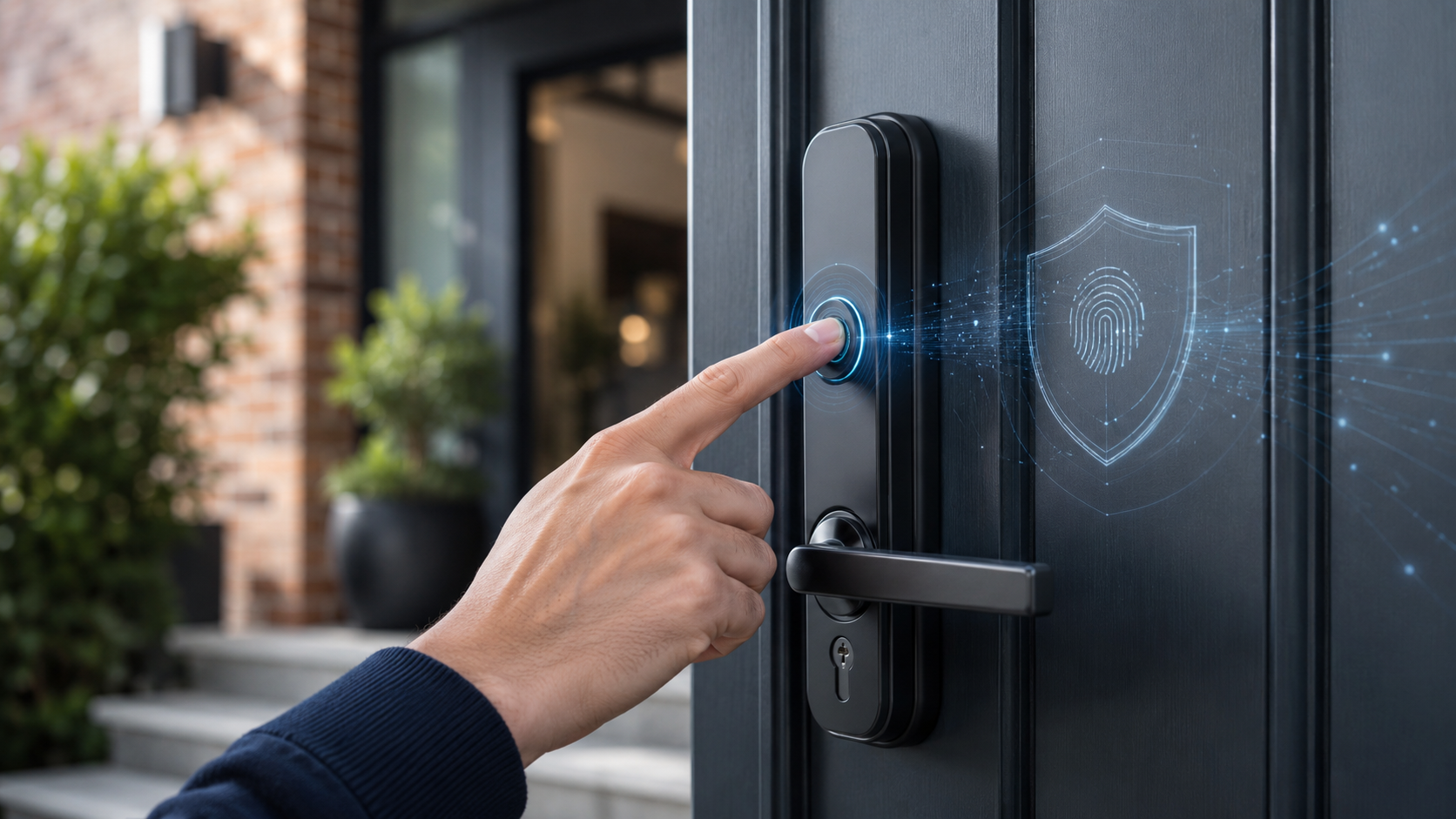
When an authorised fingerprint is recognised, the lock motor retracts several locking points simultaneously, allowing the door to open.
The process usually takes less than a second.
Importantly, most systems store fingerprint data locally inside the door controller rather than relying entirely on cloud access.
That means the door continues functioning even if the internet goes offline.
What Happens During a Power Cut?
This is the biggest concern for most homeowners.
People often assume a smart door becomes unusable the moment electricity fails.
That is not how modern systems are designed.
Battery Backup Systems Keep the Door Operational
Most premium fingerprint door systems include integrated battery backup power.
If mains electricity is interrupted:
- The door automatically switches to battery power
- Biometric access continues working normally
- Motorised locking remains active
- App notifications may alert the homeowner
Depending on the system, backup batteries can typically support operation for:
- Several days
- Hundreds of open/close cycles
The exact duration depends on:
- Battery size
- Door usage frequency
- Smart feature activity
For normal residential situations, temporary power outages rarely create any immediate access problem.
Real World Example: Overnight Power Failure
Imagine a homeowner returns home during a local overnight outage.
With a properly configured biometric entrance system:
- The fingerprint reader still works
- The motorised lock still responds
- The homeowner enters normally
- The battery backup quietly handles the interruption
In many cases, users may not even notice the power failure affected the system at all.
What If the Backup Battery Runs Out?
Modern systems are designed for this possibility too.
Manufacturers understand that backup systems themselves need backup options.
That’s why quality fingerprint doors almost always include additional emergency access methods.
Emergency Mechanical Key Access
Most premium smart entrance systems still include a concealed mechanical override key.
This is usually:
- Hidden behind a cover
- Integrated discreetly into the handle
- Protected from weather exposure
If both:
- Mains power fails
- Backup battery becomes depleted
The homeowner can still unlock the door manually using the emergency key.
This is one reason many security professionals describe smart entrance systems as layered security systems rather than fully digital only systems.
The traditional backup still exists when required.
Why Hidden Key Overrides Matter
One advantage of concealed override systems is that they reduce visible attack points.
Traditional front doors expose the cylinder permanently.
Many smart aluminium entrance doors hide the mechanical backup system entirely until needed.
That improves both:
- Appearance
- Security
To better understand how these systems protect modern homes, see biometric door security and technology explained.
Smartphone App Control During Emergencies
Most modern systems also allow smartphone based control.
Depending on the setup, homeowners may be able to:
- Unlock remotely
- Check door status
- Manage users
- Receive alerts
- Monitor activity logs
Some systems continue local Bluetooth communication even if internet service is unavailable.
That means nearby app access may still function during network interruptions.
Real Life Scenario: Forgotten Finger Injury
This sounds unusual until it actually happens.
Imagine:
- A homeowner cuts or injures a finger
- The fingerprint scanner struggles to recognise it
- Access becomes inconsistent temporarily
Instead of panic, modern systems offer alternative access methods such as:
- Smartphone unlock
- Keypad PIN entry
- Mechanical key override
- Additional registered fingerprints
Most systems allow multiple fingers per user for exactly this reason.
Fail Safe vs Fail Secure Locking
This is an important concept many homeowners never hear explained properly.
Fail Secure Systems
Most residential fingerprint doors are fail secure.
That means:
- The door stays locked during power failure
- Backup systems maintain operation
- Emergency override methods remain available
This prevents security risks during outages.
Fail Safe Systems
Some commercial buildings use fail safe locks that unlock automatically during emergencies such as fire evacuation events.
Residential smart entrance systems are usually designed differently because home security priorities are not the same as commercial emergency exit requirements.
Common Myths About Fingerprint Door Failures
Many fears around biometric doors come from outdated assumptions or unrealistic scenarios.
Let’s clear up a few common myths.
Myth 1: “You’ll Get Locked Out During a Power Cut”
In properly installed premium systems:
- Battery backup handles outages
- Backup entry methods remain available
- Mechanical overrides exist
Power cuts alone almost never cause total lockouts.
Myth 2: “Fingerprint Readers Stop Working in Rain or Cold”
Quality outdoor biometric readers are weather rated.
They are designed to handle:
- Rain
- Frost
- Heat
- Direct sunlight
- Normal UK climate conditions
Cheaper low quality systems may struggle, but reputable systems are engineered specifically for external residential use.
Myth 3: “If the Internet Goes Down, the Door Stops Working”
Most systems operate locally.
Fingerprint recognition usually happens inside the controller installed within the door system itself.
Internet access is mainly used for:
- Remote app control
- Notifications
- Cloud linked features
Basic entry normally continues without Wi Fi.
Myth 4: “Hackers Can Easily Unlock Smart Doors”
Realistically, most burglaries still target:
- Weak physical locks
- Open windows
- Poorly secured access points
Premium biometric systems use:
- Encrypted communication
- Secure authentication
- Advanced access controls
No security system is perfect, but quality smart entrance systems are often far more sophisticated than standard key based residential locks.
Read more in our biometric door security and technology explained guide.
Reliability in Daily Use
One thing surprises many new owners.
After a few weeks, the technology stops feeling unusual.
It simply becomes part of normal daily life.
Real World Reliability Benefits
Homeowners often appreciate:
- No lost keys
- Faster entry
- Easier family access management
- Cleaner routines
- Better visitor control
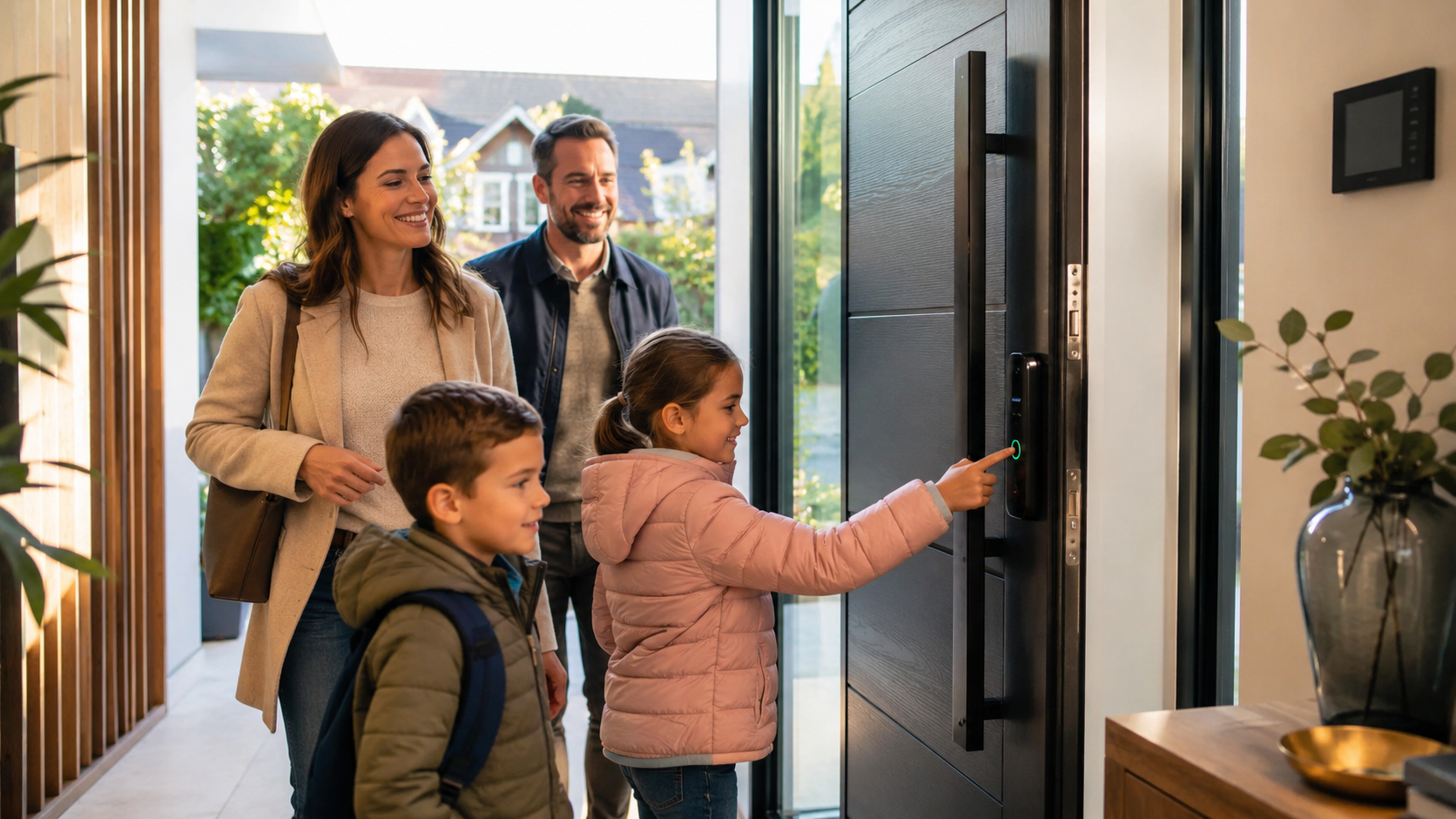
Families with children especially notice the convenience quickly.
There is no longer a need to:
- Hide spare keys
- Replace lost copies
- Worry about forgotten keys after school
Installation Quality Matters More Than People Realise
Many reported “smart door problems” actually come from poor installation rather than the technology itself.
Incorrect installation can affect:
- Alignment
- Lock performance
- Weather sealing
- Motor operation
- Sensor reliability
That’s why choosing:
- A reputable manufacturer
- Experienced installers
- Proper aftercare support
is extremely important.
A high quality system installed badly will never perform as intended.
Explore options to configure your fingerprint entrance door correctly for long term reliability and security.
What Happens If the Fingerprint Sensor Itself Fails?
Even though premium sensors are highly reliable, systems are designed with redundancy in mind.
Most homeowners still retain:
- Smartphone access
- Keypad entry
- Backup key access
The door itself does not suddenly become permanently unusable because one access method has a temporary issue.
Are Fingerprint Doors Actually Reliable in 2026?
For reputable systems, yes.
Modern biometric entrance technology has matured significantly over recent years.
Today’s premium systems are:
- Faster
- More secure
- Better weather protected
- More stable
- More user friendly
The technology is now common enough that reliability concerns are much lower than they were during earlier smart lock generations.
Should Homeowners Be Worried?
Reasonably cautious? Yes.
Fearful? Probably not.
Like any technology:
- Quality matters
- Installation matters
- Proper setup matters
But modern fingerprint entrance systems are specifically designed to avoid catastrophic lockout situations.
In practice, they usually offer more access flexibility than traditional key only systems.
Explore available fingerprint entrance door systems carefully and compare backup access features before choosing a final configuration. A proper showroom demonstration can also help homeowners understand exactly how emergency access systems work in real world situations.
Take the next step and request a sample or showroom visit to see how emergency access systems work in real world situations.
Common Concerns Homeowners Still Ask
“What if my child’s fingerprint changes?”
Most systems allow multiple fingerprints to be enrolled and updated easily over time.
“Can elderly users still operate the system?”
Yes. Alternative access methods such as keypads, smartphones, or mechanical overrides help accommodate different users comfortably.
“What happens if I change phones?”
Your fingerprint system remains stored within the door controller itself. Smartphone apps can typically be reconfigured easily.
FAQ
Do fingerprint doors work without electricity?
Yes, temporarily. Most systems include battery backup systems that continue operating during power outages.
Can I still unlock the door manually?
Yes. Premium systems usually include a concealed mechanical override key for emergencies.
What happens if the fingerprint scanner breaks?
Most doors include alternative access methods such as smartphone apps, PIN keypads, or emergency keys.
Are fingerprint doors reliable in cold weather?
Quality outdoor rated biometric systems are designed to work reliably in standard UK weather conditions.
Can smart doors fail completely?
Complete failure is extremely uncommon in properly installed premium systems because multiple backup access methods are included.
Leave a Reply