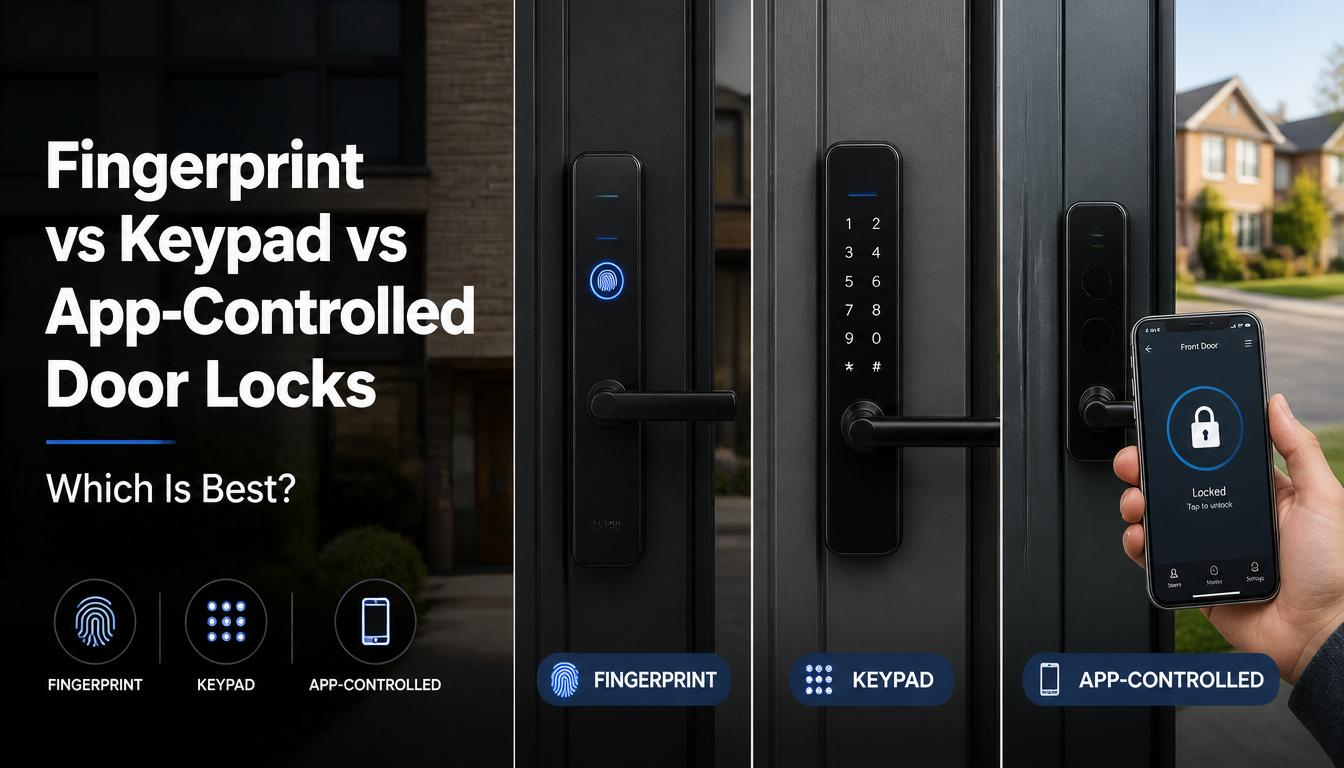
Fingerprint vs Keypad vs App Controlled Door Locks: Which Is Best?
Smart front doors are changing how homeowners think about access. Instead of relying only on traditional keys, many modern entrance systems now offer fingerprint access, keypad entry, smartphone control, or a combination of all three.
This leads to a common buyer question:
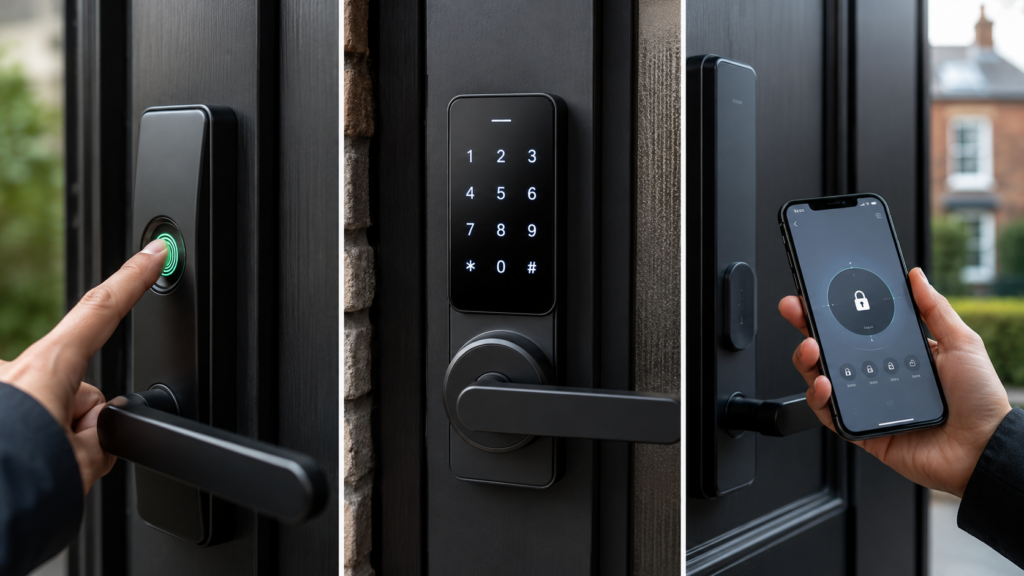
Fingerprint vs Keypad vs App Controlled Door Locks: best for a modern UK home?
The answer depends on your priorities. Fingerprint access is personal and convenient. Keypads are simple and flexible. App controlled locks offer remote access and smart home features. For premium aluminium entrance doors, the best solution is often a combination of these systems rather than one single method.
If you are still learning how biometric entrance systems work, start with our fingerprint aluminium door beginner guide before comparing access options.
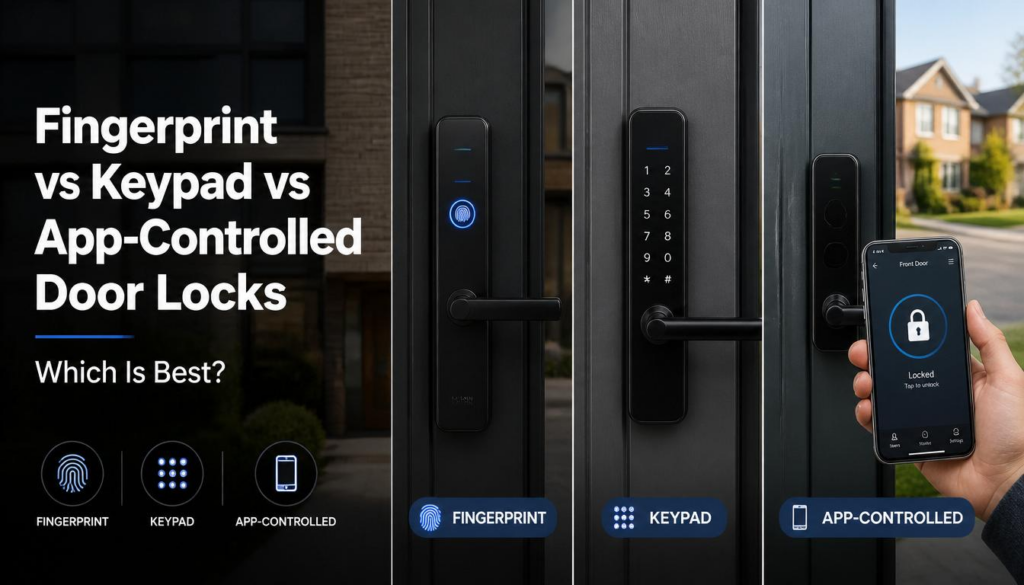
What Are Fingerprint Door Locks?
Fingerprint door locks use biometric recognition to unlock the entrance for authorised users.
The user places a registered finger on the scanner. If the system recognises the fingerprint, the door unlocks.
Fingerprint access is popular because it is:
- Fast
- Keyless
- Personal
- Convenient
- Difficult to share accidentally
- Useful for families
- Suitable for premium smart entrances
A fingerprint is not something you can easily forget at home, unlike a physical key or phone.
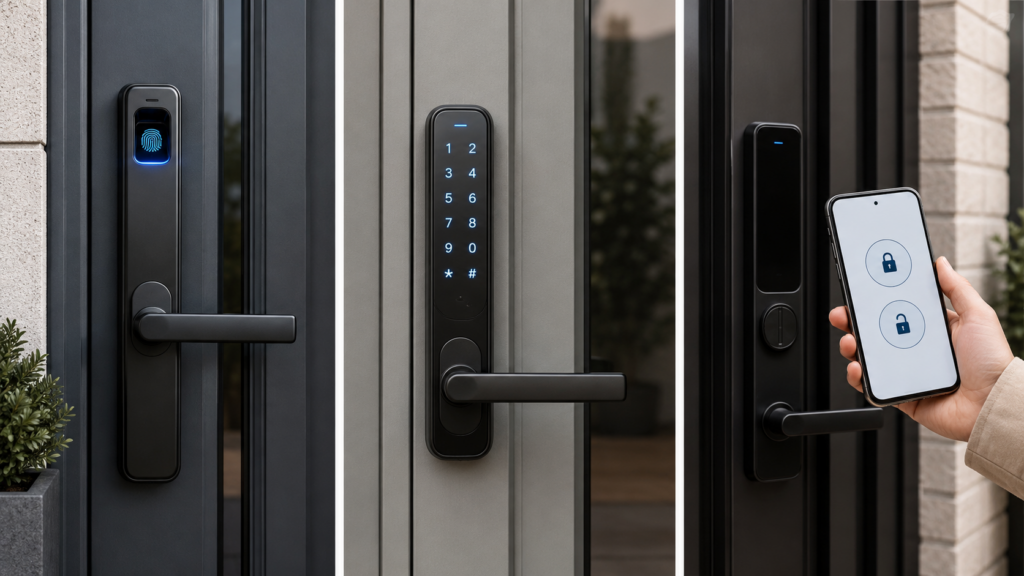
What Are Keypad Door Locks?
Keypad door locks use a PIN code to unlock the door.
The user enters a code on a keypad. If the code is correct, the system unlocks.
Keypads are popular because they are:
- Easy to understand
- Useful for guests
- Helpful as backup access
- Simple for temporary users
- Familiar to many people
However, PIN codes can be shared, guessed, watched, or forgotten. That is why keypad access works best when managed carefully.
What Are App Controlled Door Locks?
App controlled door locks allow users to unlock or manage the door through a smartphone.
Depending on the system, app control may allow:
- Remote unlocking
- Door status checks
- User management
- Entry notifications
- Temporary access
- Smart home integration
- Activity logs
App access is powerful, but it depends on phone security, app reliability, and sometimes internet connectivity.
Fingerprint vs Keypad Door Locks: Quick Comparison
Here is a simple overview.
Fingerprint Access
Best for:
- Daily family use
- Homeowners who dislike keys
- Premium smart homes
- Secure personal access
- Fast entry
Potential limitation:
- May be affected by wet or dirty fingers
- Usually needs direct skin contact
- Requires proper setup
Keypad Access
Best for:
- Backup entry
- Guests
- Deliveries
- Temporary users
- Simple access sharing
Potential limitation:
- PINs can be shared
- Codes may be watched
- Codes need updating
App Controlled Access
Best for:
- Remote unlocking
- Smart home users
- Monitoring door status
- Managing permissions
- High convenience homes
Potential limitation:
- Depends on phone access
- Requires good app security
- Some features may need internet
Which Is Most Secure?
Security depends on the full system, not only the access method.
A premium smart aluminium entrance door should combine access technology with strong physical security.
Important security features include:
- Motorised multi point locking
- Strong aluminium construction
- Encrypted access data
- Secure app authentication
- Concealed backup access
- Proper installation
- Reliable user management
A fingerprint scanner on a weak door is not enough. A keypad on a poorly installed lock is not enough. App access without secure authentication is not enough.
The strongest systems combine smart access with high quality door engineering.
To better understand physical and digital protection, read biometric door security and technology explained.
Fingerprint Access: Strengths and Weaknesses
Fingerprint access is often the most convenient option for daily use.
Strengths
Fingerprint access is personal. You cannot lose your fingerprint like a key. You do not need to remember a code. You do not need to take out your phone.
This makes it especially useful when:
- Carrying shopping
- Coming home with children
- Returning from work
- Using the door frequently
- Managing family access
It also reduces risks linked to copied or lost keys.
Weaknesses
Fingerprint access is not perfect.
Recognition may be affected by:
- Wet hands
- Dirty fingers
- Cuts or injuries
- Very dry skin
- Poor sensor quality
That is why premium systems should allow multiple fingerprints per user and include backup access methods.
Keypad Access: Strengths and Weaknesses
Keypad entry remains popular because it is simple and practical.
Strengths
Keypads are useful when someone needs access without being registered biometrically.
For example:
- Visiting family
- Trusted tradespeople
- Cleaners
- Temporary guests
- Staff members
- Delivery access in controlled situations
A PIN can be changed more easily than a physical key.
Weaknesses
The main weakness is code sharing.
A PIN can be:
- Told to someone else
- Seen over the shoulder
- Forgotten
- Reused too long
- Shared without permission
For security, keypad codes should be changed regularly and temporary codes should be removed when no longer needed.
App Controlled Locks: Strengths and Weaknesses
App controlled door locks are attractive for smart home users.
Strengths
App access can allow homeowners to manage the door from anywhere.
This can be useful if:
- A family member forgets access
- A delivery needs authorised entry
- A guest arrives early
- You want to check if the door is locked
- You manage a second property
- You want entry notifications
For premium homes, app access connects the entrance door with wider smart security systems.
Weaknesses
App control depends on digital security.
A lost phone, weak password, or poorly secured app can create risks. That is why app based systems should include strong login protection, user permissions, and the ability to remove old devices.
Which Option Is Best for Families?
For families, fingerprint access is often the most convenient daily method.
Children do not need to carry keys. Parents can manage authorised users. Multiple family members can enter quickly without sharing one code.
However, keypad and app access still have value.
A strong family setup may include:
- Fingerprint access for daily users
- PIN backup for emergencies
- App access for parents
- Mechanical override for rare situations
This layered approach gives flexibility without depending on one method.
Which Option Is Best for Older Users?
Older users may prefer different access methods depending on comfort with technology.
Some may like fingerprint access because it removes the need to find keys. Others may prefer keypad entry because it feels familiar. Some may not want app based control at all.
The best system should support multiple access methods so each user can choose what feels easiest.
Which Option Is Best for Businesses?
For commercial offices, clinics, studios, and professional workspaces, the best choice depends on user volume and access management needs.
Fingerprint access may work well for staff only areas. Keypads may help with temporary access. App control may support managers who need remote oversight.
Businesses should consider:
- Number of users
- Access logs
- Staff changes
- Privacy policies
- Permission management
- Emergency access
- Installation quality
For commercial settings, access control should be planned carefully rather than chosen only for convenience.
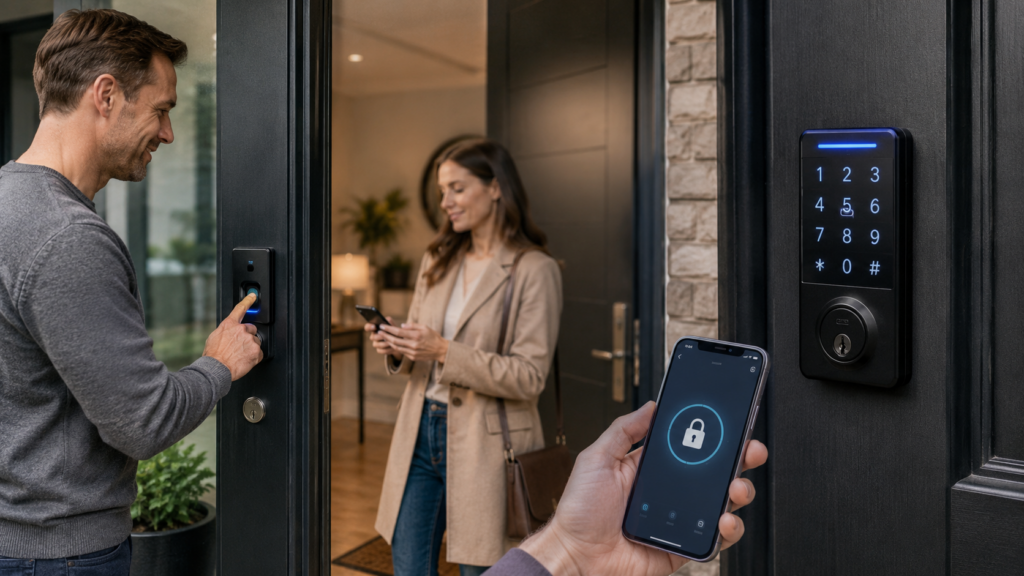
Why Multi Method Access Is Often Best
The strongest smart entrance systems do not force homeowners to choose only one option.
Instead, they combine:
- Fingerprint access for daily use
- Keypad entry for backup or temporary access
- App control for remote management
- Mechanical override for emergencies
- Battery backup for power interruptions
This creates a more flexible and reliable system.
For example, if your finger is wet, you can use a PIN. If a family member needs help, you can use the app. If the battery backup runs out, a concealed key override may still be available.
The Role of Aluminium Door Construction
Access technology is only part of the entrance system.
The door itself must be strong, stable, and properly designed for smart hardware.
Aluminium is well suited to premium smart entrance doors because it supports:
- Large door sizes
- Slim sightlines
- Strong locking systems
- Modern finishes
- Durable construction
- Integrated smart access
- Contemporary architecture
A smart lock is far more effective when it is part of a complete aluminium entrance system rather than added to a weak or outdated door.
You can configure your fingerprint entrance door to combine biometric access, keypad backup, app control, and architectural design features.
Privacy Considerations
Each access method has privacy implications.
Fingerprint access involves biometric data. Keypad access involves shared codes. App access involves digital accounts and device security.
Homeowners should ask:
- How is fingerprint data stored?
- Can PINs be changed easily?
- Can old phones be removed?
- Are access logs available?
- Who manages permissions?
- Is data encrypted?
- Can remote access be disabled?
A good supplier should explain these points clearly.
For more detail on secure biometric systems, see biometric door security and technology explained.
Cost Considerations
A basic keypad system may cost less than a fully integrated biometric aluminium entrance door.
However, cost should be compared against long term value.
A premium smart entrance system may offer:
- Better daily convenience
- Stronger access control
- Reduced key management
- Improved security features
- Modern kerb appeal
- Better integration with smart homes
- Longer lasting aluminium construction
For homeowners already investing in a modern or luxury property upgrade, integrated smart access often makes more sense than a basic add on lock.
Common Mistakes to Avoid
When comparing fingerprint, keypad, and app controlled locks, avoid these mistakes:
- Choosing technology before assessing door quality
- Ignoring backup access
- Using weak PIN codes
- Not updating old users
- Forgetting app security
- Buying a system with poor weather resistance
- Choosing installers without smart door experience
- Assuming all biometric systems are equal
The best smart entrance door is a complete system, not just a feature list.
Which Smart Lock Type Should You Choose?
Choose fingerprint access if you want fast, personal, everyday entry.
Choose keypad access if you need simple backup access or temporary user codes.
Choose app control if you want remote access, smart home integration, and user management.
For most premium homes, the best choice is not fingerprint vs keypad door locks as a strict either or decision. The best choice is a well designed smart aluminium entrance door that combines all three access methods with strong physical security.
Smart access can improve daily convenience, but the door still needs to provide real physical resistance. Reviewing security doors for UK homes can help homeowners balance technology, design, and protection before making a final choice.
Final Thoughts: Fingerprint vs Keypad Door Locks
When comparing fingerprint vs keypad door locks, fingerprint access usually offers the most convenient and personal everyday entry. Keypad access is excellent as a backup or temporary access method. App controlled locks add remote convenience and smart home flexibility.
For the strongest result, homeowners should look for a complete system that combines biometric access, PIN backup, smartphone control, motorised multi point locking, aluminium durability, and emergency override options.
You can also configure your fingerprint entrance door based on your preferred access methods, security goals, and property style.
To compare different smart access options in person, request a sample or showroom visit before finalising your entrance door specification.
FAQ Of Fingerprint vs Keypad vs App Controlled Door Locks
Are fingerprint locks better than keypad locks?
Fingerprint locks are usually better for daily personal access, while keypad locks are useful for backup access, guests, and temporary users.
Are keypad door locks secure?
Keypad locks can be secure when codes are managed properly, changed regularly, and combined with strong door hardware.
Do app controlled door locks work without Wi Fi?
Some basic local functions may still work, but remote unlocking and notifications usually need internet access. This depends on the system.
What is the best smart lock for families?
A combined system with fingerprint access, keypad backup, app control, battery backup, and mechanical override is often best for families.
Should I choose fingerprint vs keypad door locks for a smart aluminium door?
For a premium smart aluminium door, the best setup usually includes both fingerprint and keypad access, plus app control for added flexibility.
Leave a Reply